
FBR IRIS login and help for your business
Sign in to the official FBR portal, register for income tax, recover your account or check taxpayer status. Start with the task you need to complete.
Sign in to FBR IRIS
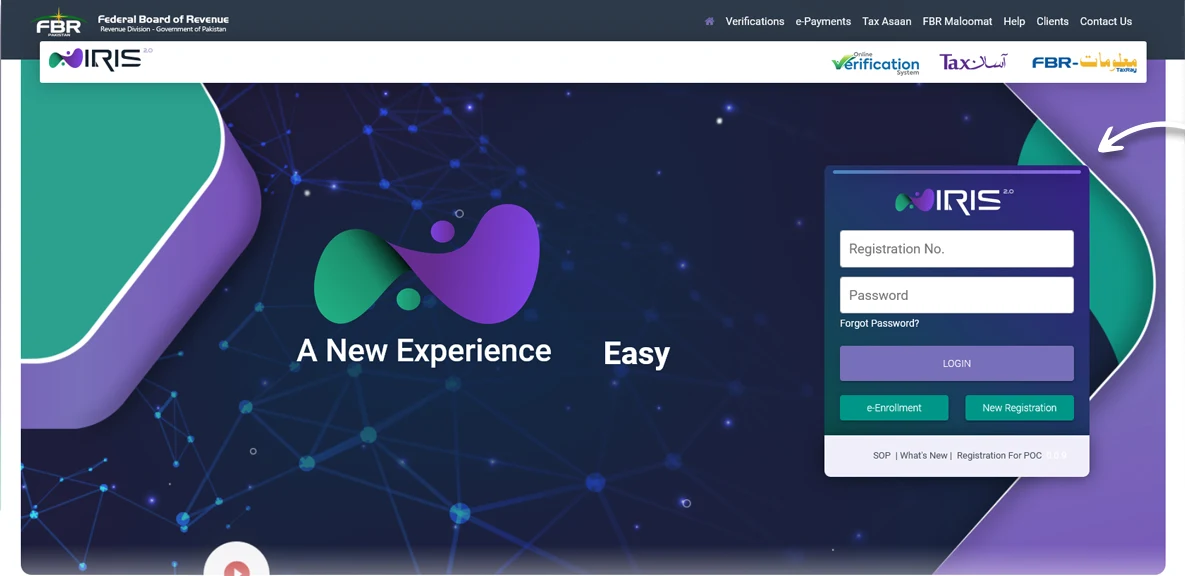
IRIS is FBR’s online portal for taxpayer registration, returns and related services. Open the official portal before entering your login details.
Open official FBR IRIS iris.fbr.gov.pk
- Use the registration number for the account you need: your individual account or the business you represent.
- Enter the account password and select Login.
- If the details are rejected, use Forgot Password / Account Recovery instead of repeatedly guessing.
Choose your next task
Use the right account
An individual’s account and a company or AOP account are separate. Check the registration number and taxpayer name before making changes or preparing a return. Access to the portal does not, by itself, establish active taxpayer status.
Enter passwords and verification codes only on the official IRIS pages. E-Invoicing does not collect your IRIS login details in these guides.
Keep registration, filing and invoicing separate
- Registration creates or identifies the taxpayer record.
- An income-tax return is a separate filing task.
- Active Taxpayer List checks show the relevant tax status.
- Digital invoicing is a separate business reporting setup.
For day-to-day sales reporting, E-Invoicing helps your team prepare invoices, track FBR responses and keep the record with each sale.